PERSONAL SETUP
Choose your assistant’s name, communication style, pace and decision boundaries.
INTRODUCTION → PROJECT MAP → FIRST ACTION → NEXT STEP
PROJECTORIUM / TOOL 000

An assistant for developing your idea. Tell it about your project, and it helps clarify your goal, identify participants, and choose your first action.
1,111 RUBOne-time purchase / we agree on the package language when you inquire
REQUEST PROJECT COMPASS →WHAT YOU RECEIVE
A workflow for your chosen AI chat, a usage guide, and result templates. Give your assistant a name, set a comfortable pace, and define its decision boundaries.
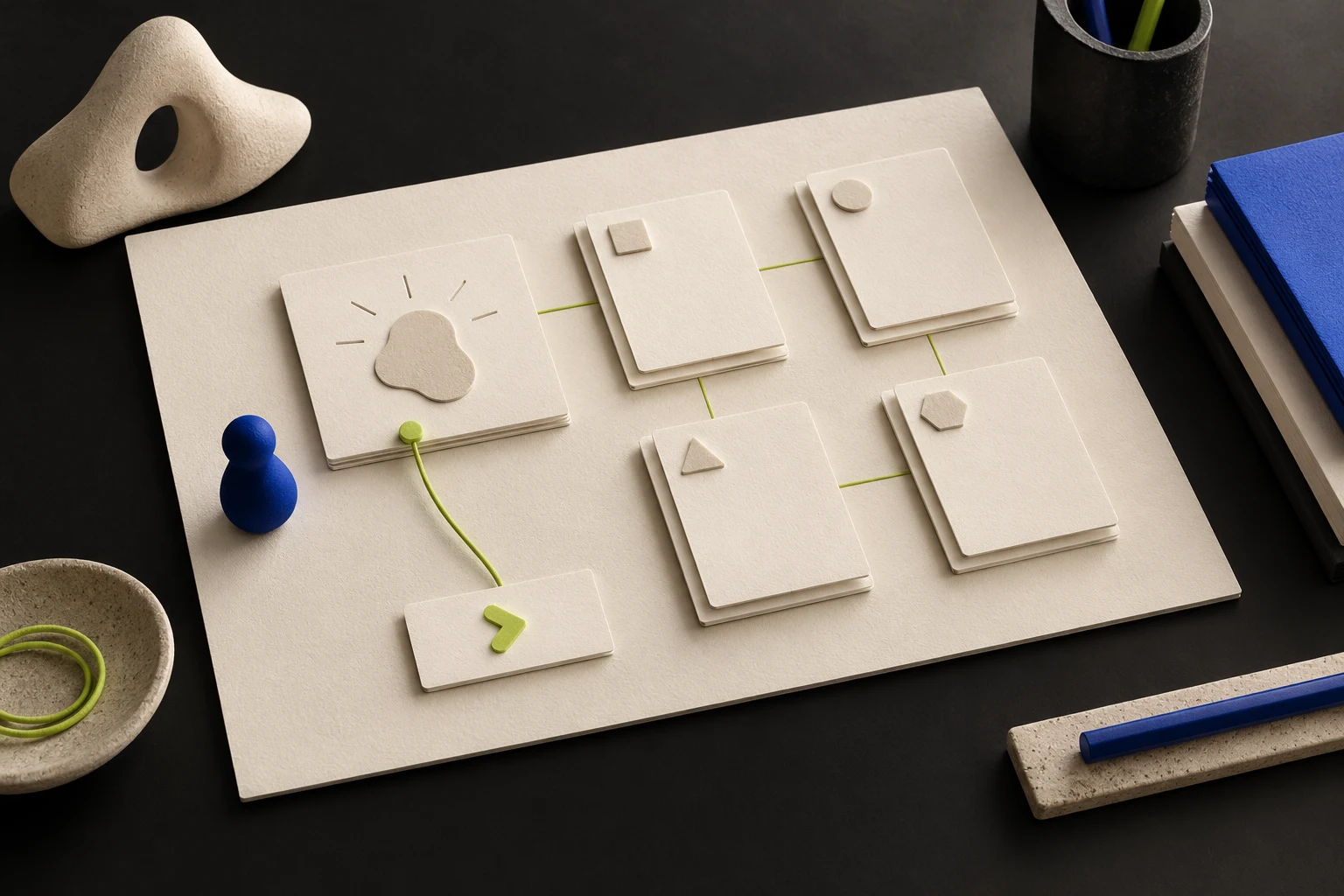
Choose your assistant’s name, communication style, pace and decision boundaries.
Your idea, audience, desired change, first version and definition of done.
Participants and resources, facts and decisions, and a first action plan.
A concise reviewed brief you can share with us to discuss working together.
LEARNING EXAMPLE / PART OF A PROJECT MAP
This is a learning example, not a client case study. Your map will be based on your own idea and answers.
WORK AT YOUR OWN PACE
Paste the workflow into your AI chat. Choose a name, pace, and communication style.
Dictate a regular message. Review the transcribed text and send it. The chat will help organize your thoughts.
Review the map and tables. Keep the latest version and attach it when you continue in a new chat.
YOUR PROJECT STAYS IN YOUR HANDS
Your AI platform’s access and pricing follow its own terms. Website reading, file creation, and message sending depend on your chosen chat’s capabilities.
Future released modules can build on your saved map. You choose what to add; each module is purchased separately.
The assistant prepares a result for your review. You choose what to share and send the inquiry yourself. Collaborative project work is agreed on separately.
REQUEST PROJECT COMPASS →Start your request with the website form. We will agree on the package, language, payment, and delivery. You will then receive the materials and instructions for your chosen AI chat.